UX vs UI – What These Acronyms Actually Mean and Why Both Matter for Your Business
If you have ever ordered a website or an app, you have certainly heard these two acronyms. They are often used interchangeably – by clients, by unreliable agencies, by articles online. It is a mistake that can cost projects tens of thousands of dollars and a month of work going nowhere.
UX and UI are two different disciplines. They cooperate, but they are not the same. Understanding this difference can save your project – and it directly affects whether your website actually sells or just looks like a pretty business card.
UX – User Experience – How It Works
UX is short for User Experience. It covers everything the user feels during interaction with a digital product.
A UX designer asks questions that most people do not even think of: Where does the user get lost? What frustrates them? At which point do they drop off and why? How many steps does it take to buy the product?
The UX designer’s tools are user journey maps, wireframes, usability tests, data analysis from Analytics and Hotjar, user interviews. Before designing a single pixel, a UX designer should know exactly who will use the product and with what goal.
Good UX is invisible. When it works, the user simply gets to their goal – without thinking, without frustration. Bad UX is very visible – but only in the data. High bounce rate, low conversion rate, lots of abandoned carts. We describe specific causes and fixes in our article on why a website loses customers in the first 3 seconds.
UI – User Interface – How It Looks
UI is short for User Interface. It covers the visual layer of the product: colors, buttons, typography, icons, spacing, element placement, animations.
The UI designer is responsible for how the product looks and how that look builds emotion. They are the one who makes the site feel premium, modern, warm or technical – depending on what the brand and its clients require. Good UI is precise: every pixel, every color, every text size is a decision, not an accident.
You cannot talk about good UI without a coherent visual identity for the company. An agency that jumps straight to colors and fonts without understanding the brand delivers UI disconnected from strategy – similar to how a template destroys a brand instead of building it.
Why Do You Need Both?
UX without UI is a skeleton without skin. Functional, possibly intuitive, but visually off-putting. The client does not trust a product that does not look professional.
UI without UX is a beautiful trap. It looks great in screenshots. In reality, users get lost in it and drop off at key stages.
Forrester Research shows that every dollar invested in UX returns 100 dollars on average. This is not an abstract number – it is the direct effect of good user experience shortening the sales cycle and increasing conversions. How design translates into specific financial results is described in detail in our article on how design becomes a competitive advantage.
How Does It Look in Practice?
Before designing any website, we go through several stages that many agencies skip.
The first stage is research. We talk to the client’s clients (where possible), analyze competitors from a UX perspective, check Google Analytics data.
The second stage is information architecture. We decide what is on the site and in what order – not based on “what the client wants”, but on what the user is looking for.
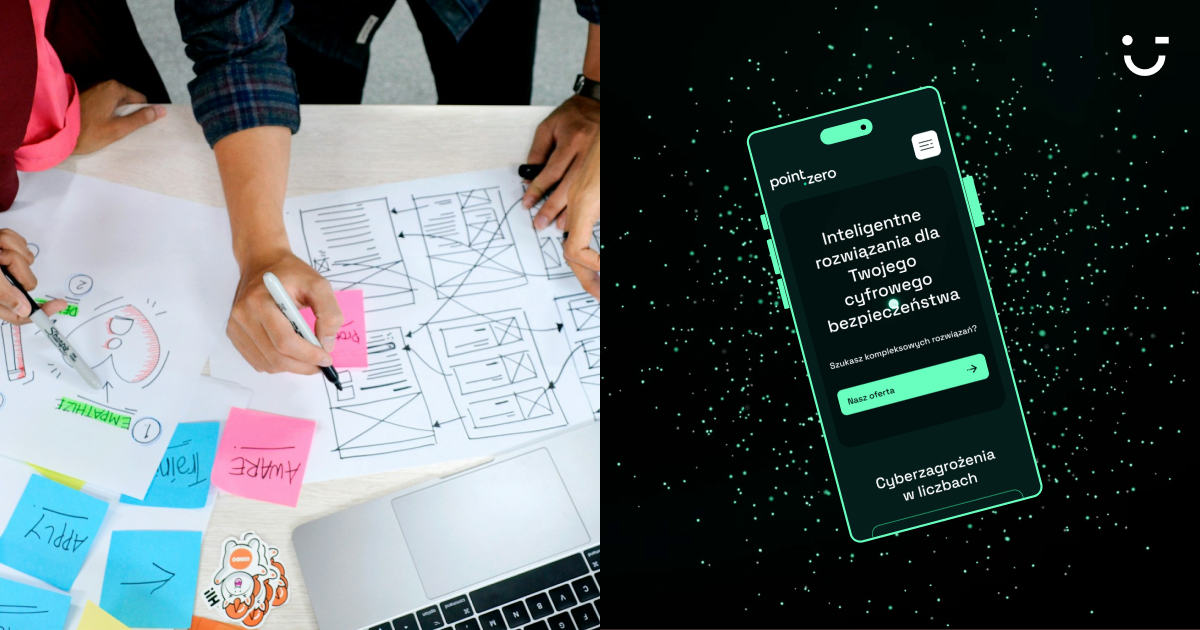
The third stage is wireframes – the skeleton of the site without any colors or photos. Only structure and hierarchy. We test wireframes with real users before we start designing aesthetics.
The fourth stage is the UI project – now we layer the visual on top of a verified skeleton. This order matters. Reversed, it generates redesigns and burns budget.
How much does this process cost and what differs between price tiers? You will find an honest answer in our article on how much a good website costs.
How to Recognize an Agency That Really Understands This Difference?
You will find more questions worth asking before signing a contract in our article on how to choose a branding or web agency. Here let us focus on one fundamental one:
Ask: show me wireframes from your last project.
If the agency has no wireframes, they do not do UX. They jump straight to UI, without a skeleton. It may look nice. It will almost certainly need fixes after launch.
Second question: who did you talk to before you started designing? “The client” as the answer is not enough. A good agency talks to the client’s clients.
A Short Glossary at the End
Wireframe – the skeleton of the site. Shows structure and hierarchy with no aesthetics.
Prototype – an interactive wireframe you can click. Simulates how the product will work before it is built.
User journey map – a map showing every touchpoint a user has with the brand.
Conversion rate – the percentage of users who took the desired action. The most important metric for site effectiveness.
Bounce rate – the percentage of users who left the site after viewing only one subpage. A high bounce rate is often a UX symptom. Does your site have this problem? See how changes in branding and positioning affect who lands on it and whether they stay.
UX Is a Process, Not a One-Off Stage
User behavior changes. The context of use changes. All of that is information that should feed the next iterations of design.
The best digital products are the result of a continuous cycle: research, design, ship, measure, improve. Not a one-off project from three years ago.
DotLineCode combines UX research with precise UI design. We will not start with Figma – we will start with your clients.